LaunchNext 2.4.2 macOS 27, Liquid Glass & Image Backgrounds
LaunchNext 2.4.2 is a major update: macOS 27 compatibility, Liquid Glass folders, custom backgrounds, smarter CJK search, and Apple-notarized releases.

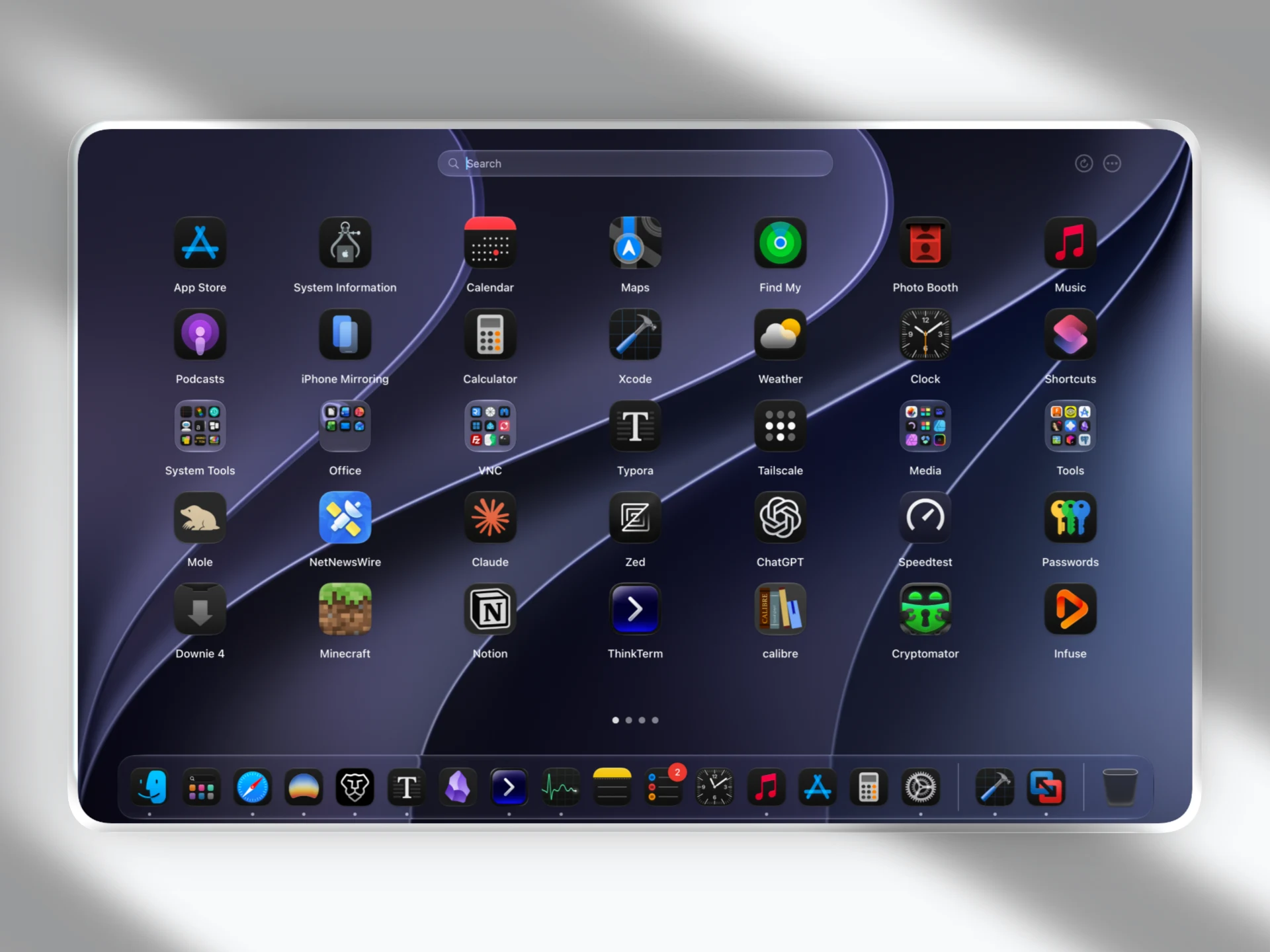
Opening apps is something you do all day. LaunchNext 2.4.2 makes that everyday moment feel more personal and fluid. This is a major visual and interaction update: bring your favorite wallpaper into the launcher, organize apps in Liquid Glass folders, and enjoy smoother transitions as you open, drag, and rearrange them.
This free, open-source Launchpad replacement for macOS 26 and newer also brings compatibility improvements for macOS 27. Find Chinese, Japanese, and Korean apps using romanized input, jump from a search result to its original place in your layout, and launch favorites straight from a folder’s context menu. Official releases are now signed and notarized by Apple for smoother downloads and upgrades.
Highlights
Image Backgrounds: Make the Launcher Your Own
Your favorite wallpaper can now be part of LaunchNext too. Choose your desktop wallpaper or a custom image, then pair it with Blur, Glass, or No effect styles. Labels, toolbar controls, and page indicators adapt to the background, keeping the interface readable while your image sets the mood.
Image backgrounds are optional and disabled by default. Static Preview works without Screen Recording permission; capturing the current frame of some wallpapers may need it. Wallpaper snapshots stay on your Mac, are never uploaded, and are removed when wallpaper backgrounds are disabled.
Liquid Glass Folders: Smoother from Preview to Drop
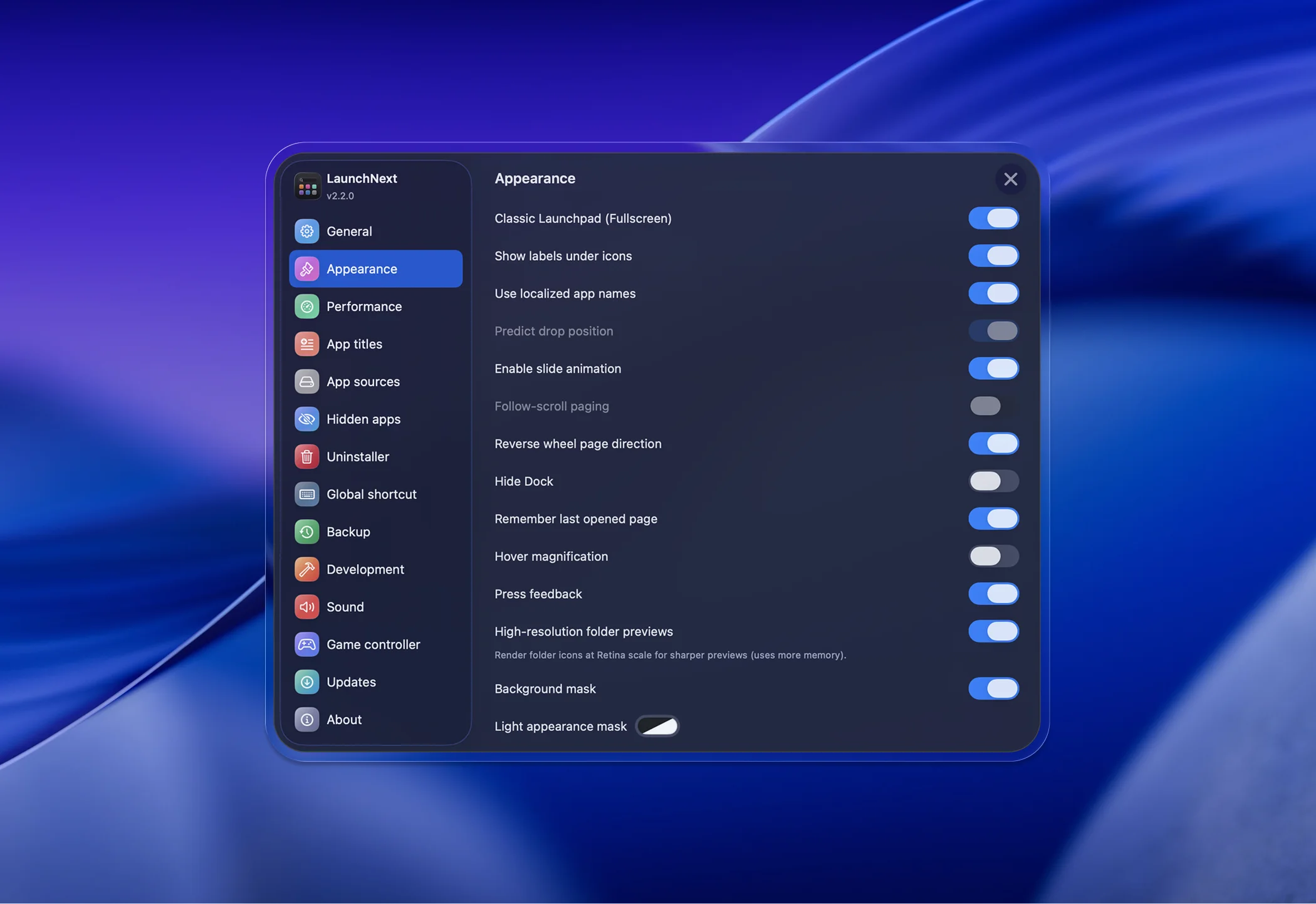
Folders get a fresh glass appearance, with sharper app previews when using the Core Animation renderer. Liquid Glass is enabled by default and can be turned off in Settings. Opening and closing animations have been redesigned, so changing your mind halfway through a transition feels natural too.
Creating, merging, dissolving, and rearranging folders also have better visual feedback. Drag previews and landing animations help make organizing apps feel more continuous, with fewer jumps after a drop.
CJK Search and Show in Layout: Find the App and Its Place
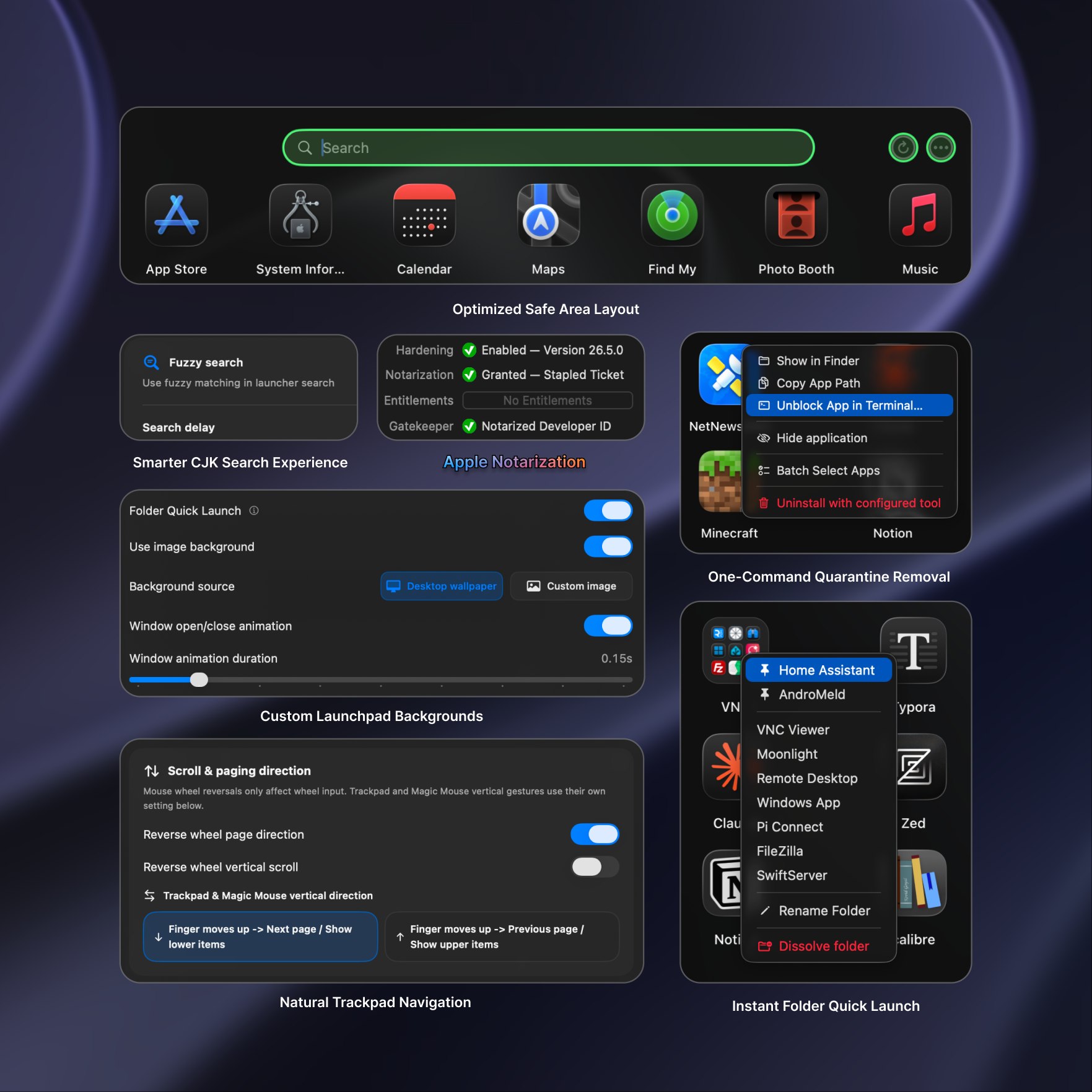
Find Chinese, Japanese, and Korean apps without switching input methods. Romanized input now matches their names, including initials for Chinese names. Original app-name matches still take priority, and search indexes are prepared in the background to reduce work while you type.
Search can also help you remember where an app lives. Right-click a result and choose Show in Layout to go to its page, open its folder if needed, and briefly highlight its original position.
Folder Quick Launch: Your Favorites, One Right-Click Away
Give your everyday apps a shorter route. Right-click a folder to launch an app directly, and pin favorites to the top of its menu. Pins are saved with your layout, without recording launch counts or usage history. This optional feature requires the Core Animation renderer and is disabled by default.
Signed and Notarized Releases: Smoother Downloads and Upgrades
Official releases are now signed with a Developer ID certificate and notarized by Apple, improving compatibility with Gatekeeper. Release builds also enable Hardened Runtime and include SHA-256 checksums. Existing preferences migrate automatically when upgrading.
macOS 27 Compatibility: Details That Fit the New System
This release improves the experience on macOS 27 with restored context menu icons, Liquid Glass hover feedback for page indicators, and refinements to the Settings layout and glass effects. Wallpaper capture and preview handling have also been improved.
More Improvements
- Separate direction controls for mouse wheel paging, vertical scrolling, trackpads, and Magic Mouse
- Better gesture device detection and more detailed input device information
- Custom maximum width and height for compact windows, optional shadows, and adjustable open and close animation duration
- A cleaner Settings interface with clearer Next Engine and Legacy Engine selection
- More reliable wallpaper refresh across displays and Spaces, with fewer unnecessary captures
- Improved app install and removal detection, memory management, and backup compatibility
- Traditional Chinese support for the app and updater, plus updated Italian and other translations
Also from CloseX: ThinkTerm
Alongside LaunchNext, I have been building ThinkTerm, an open-source terminal multiplexer built on WezTerm and organized around workspaces. It grew out of managing local and remote terminal work across projects, machines, and multiple AI agents. Some newer features are still experimental, and feedback is welcome.
Links
- Release Notes: LaunchNext 2.4.2
- GitHub: https://github.com/RoversX/LaunchNext
- Website: https://closex.org/launchnext
- Docs: https://docs.closex.org/launchnext