Diamond Valley Lake bloom, California · Unsplash · Mar 29, 2017
ThinkTerm
A terminal with the multiplexer built in.
Currently onmacOSLinuxWindowsWebTUI
Find why the divider snaps back when I drag it in a remote split.
The resize ack was racing the local layout. Patched sizing.rs and split-tree.rs — 41 tests pass.
Waiting for review · 2m agoFront-end demo for reference only. The real ThinkTerm is far more capable and polished.
A terminal that keeps everything running.
From multi-agent swarms to split-pane reviews and GPU-accelerated rendering — every interaction is tuned for heavy daily use.Every interaction tuned for heavy daily use.
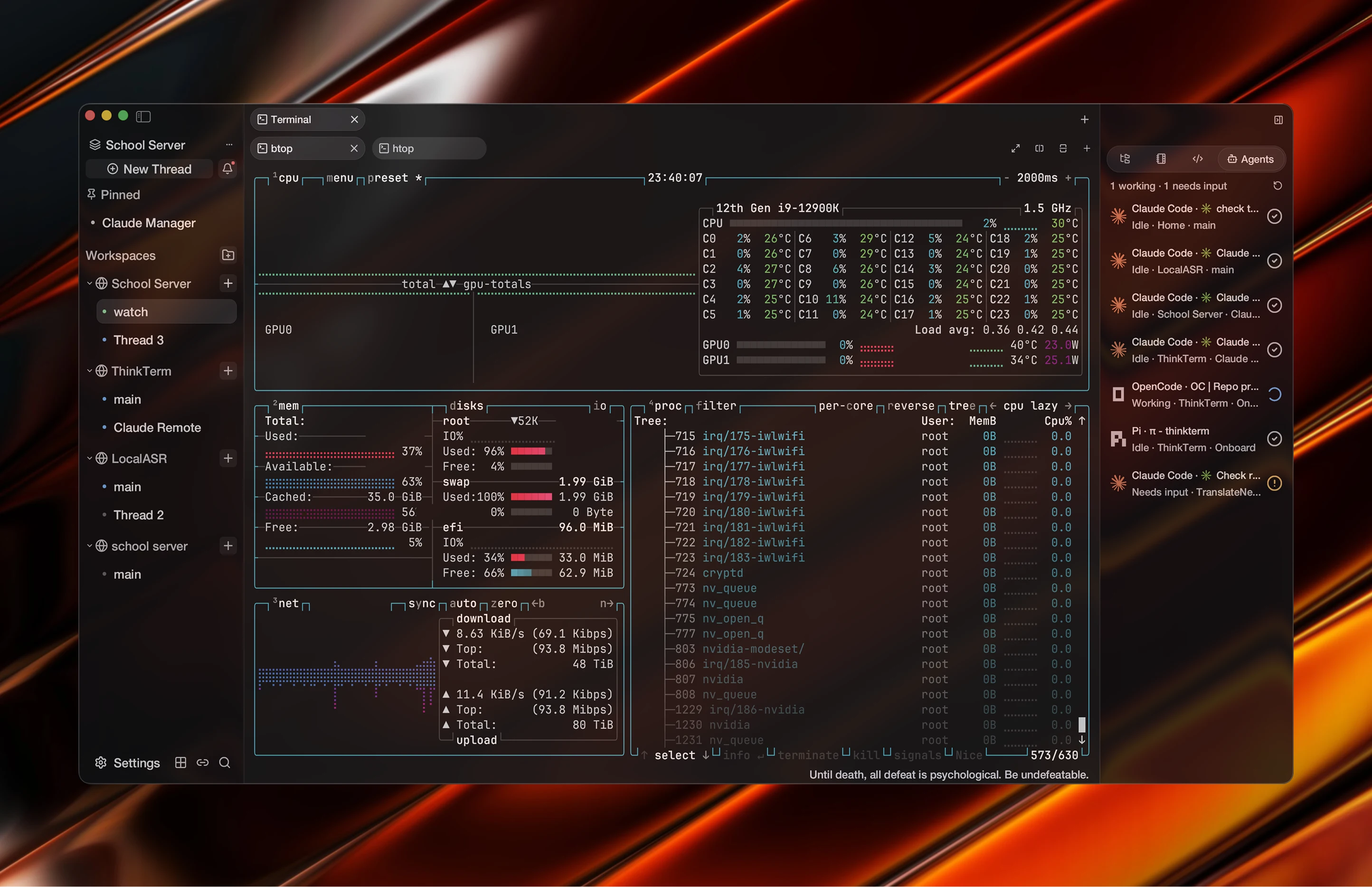
Every machine, agent, one sidebar
Four servers in one tree, seven agents across them. Claude Code, OpenCode, Pi — each showing working, idle, or needs input. (All AI features are off by default, and much of the sidebar can be switched off to match your workflow.)
Four servers, seven agents, one sidebar. Working, idle, or needs input. (Off by default.)
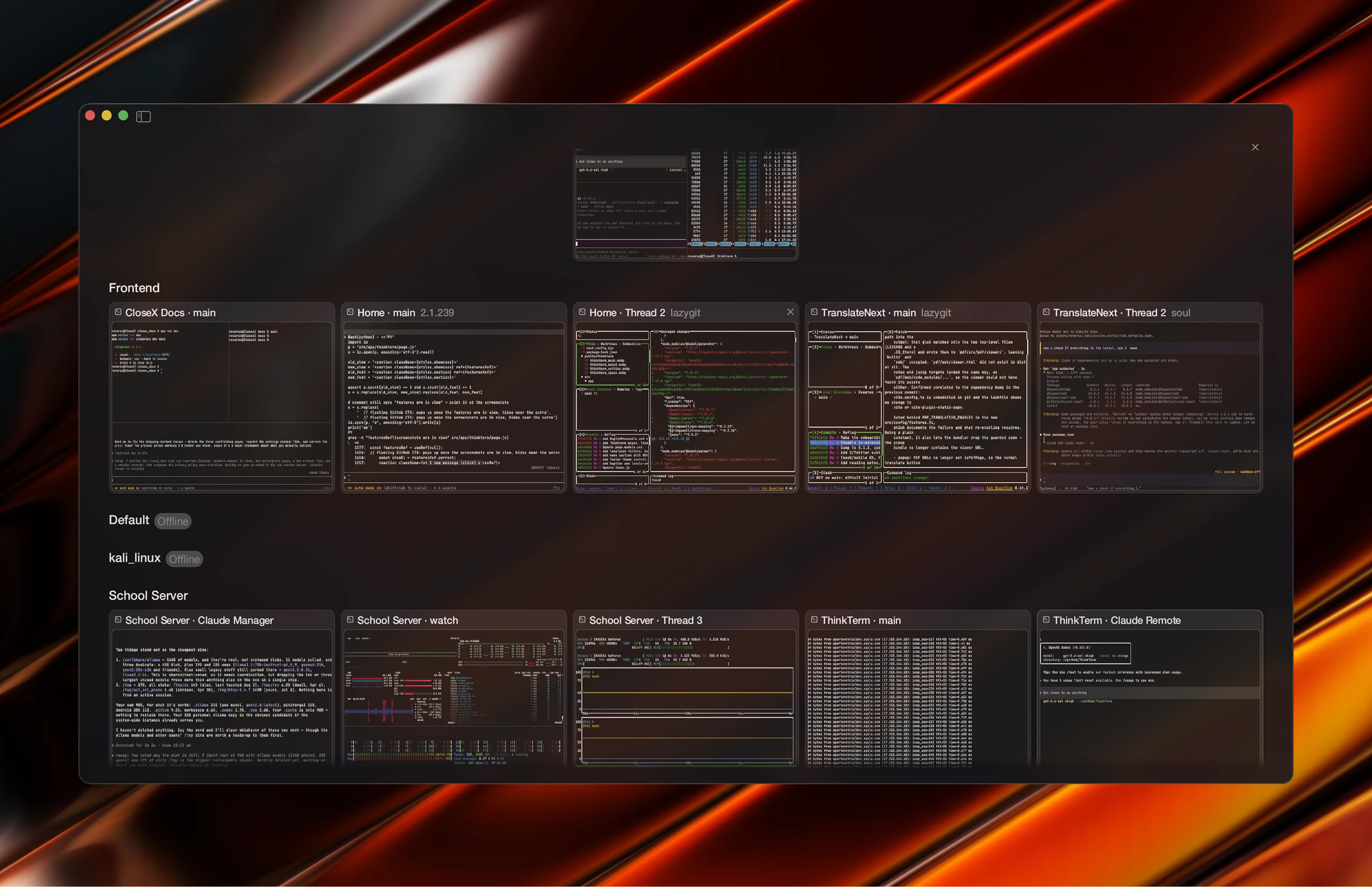
Every session on one screen
Inspired by Safari’s tab overview — except the pages are still running. Ten terminals grouped by Space, each card the pane’s live content, redrawn only when it changes.
Safari’s tab overview, except the pages are still running.
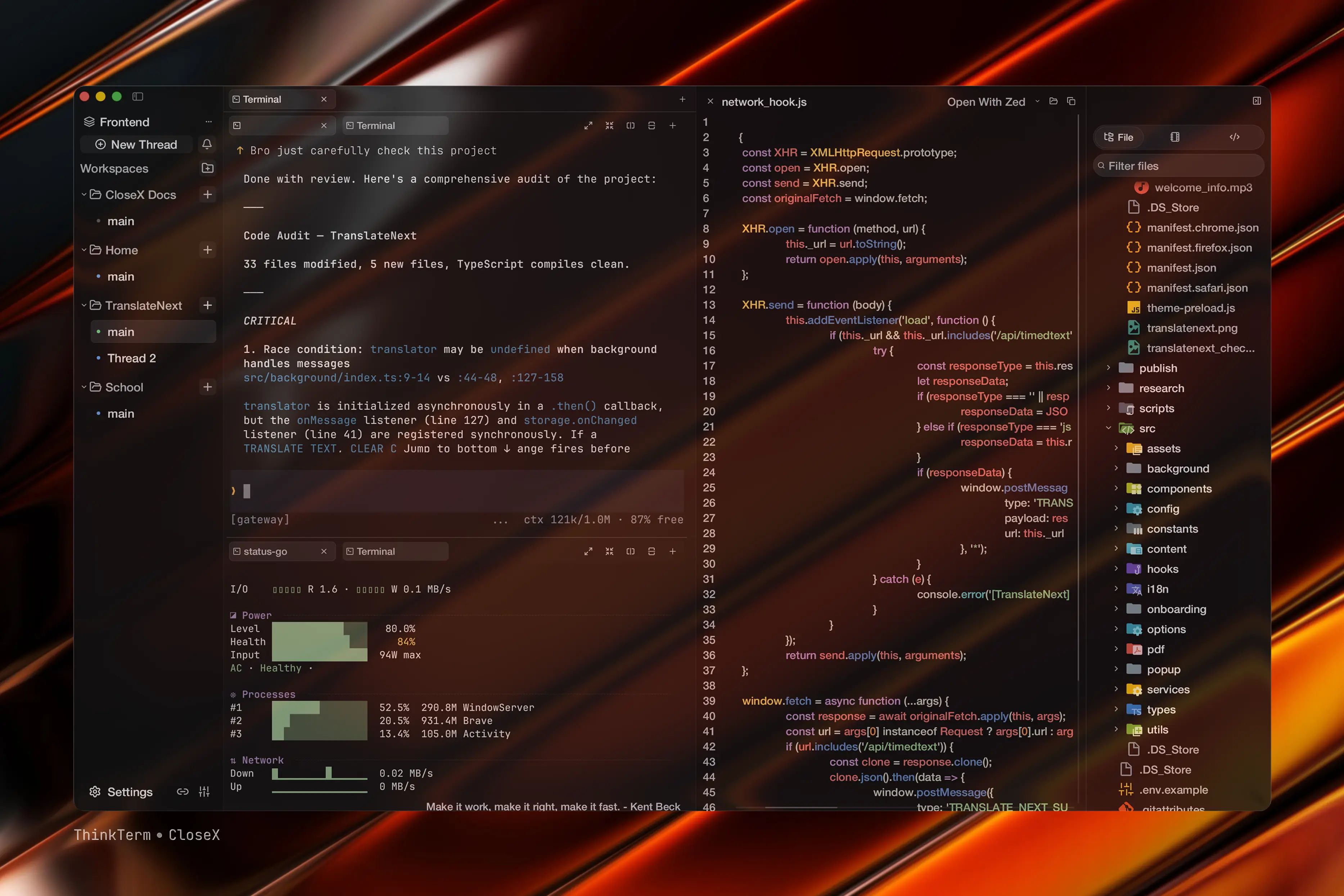
One window, the whole project
Splits, nested tabs, and a file sidebar with syntax highlighting and Open With — next to an agent actually working.
Splits, nested tabs, and a file sidebar — next to an agent actually working.
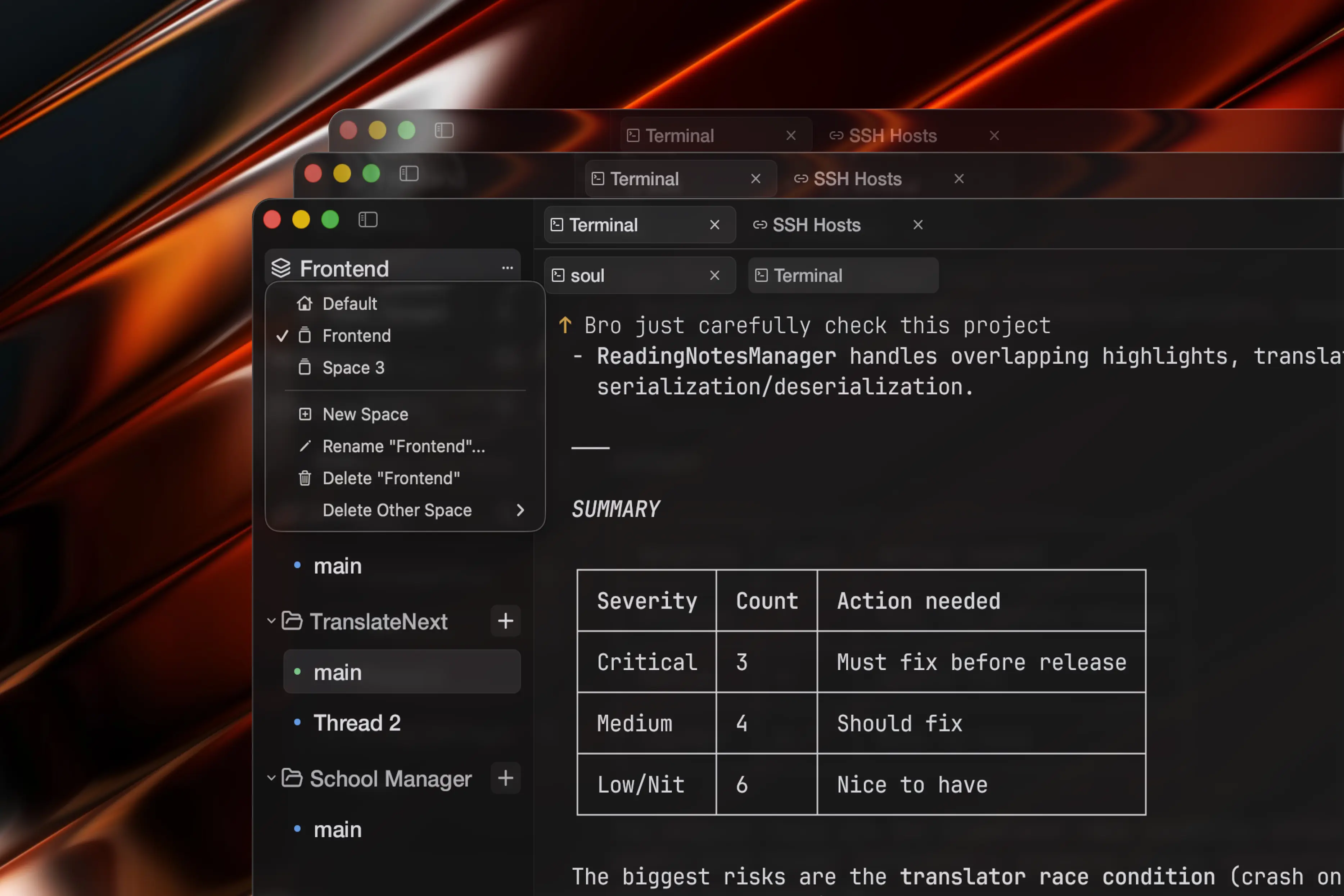
Sessions live in the multiplexer
Held by the server, not the window. Close the lid, move to another machine, reconnect — every pane, process and layout is where you left it.
Held by the server, not the window. Close the lid, move machines, reconnect.
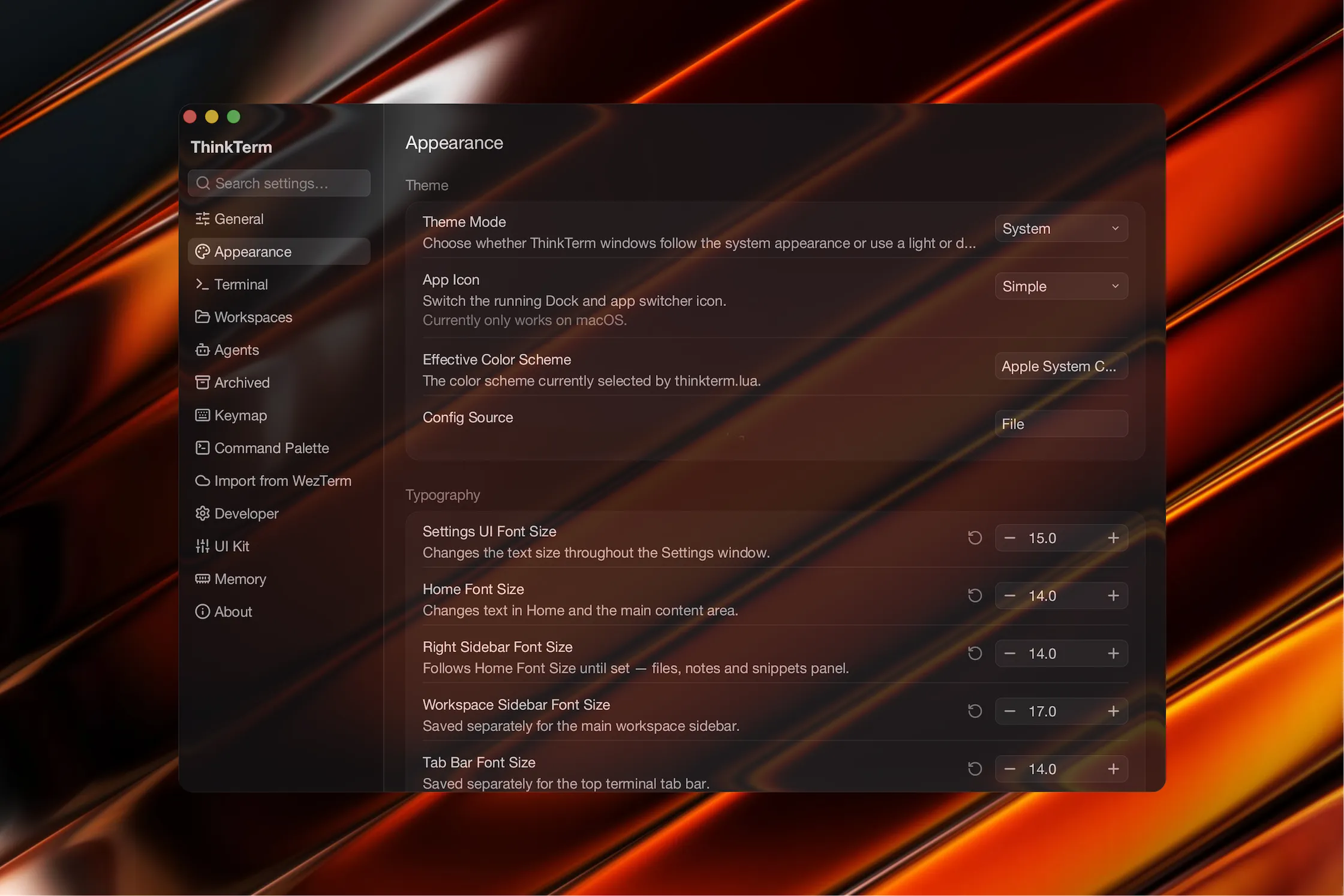
Full native preferences panel
Theme mode, app icon, renderer backend, font sizes for every UI surface, terminal config, WezTerm compatibility import, and developer diagnostics — all in one window.
Theme, fonts, renderer, terminal config, and diagnostics — all in one native window.
Heavy workloads. Light footprint.
Run heavy. Stay light.
Spin up dozens of agents and heavy sessions in parallel — Claude Code fleets, build watchers, dev servers — while memory stays flat.
Workspaces & sessions
Group every session into workspaces right inside the main window — keep a whole swarm organized.
wgpu · Metal
Pixel-level GPU rendering.
Native Rust core
Tiny footprint.
Tabs, panes, splits
Multiplex freely — detachable panes, vertical and horizontal splits, everything a serious terminal needs.
Built on WezTerm
Inherits ligatures, SSH, color schemes and hyperlinks — refocused and tuned for AI workflows.
Questions, answered
Yes. ThinkTerm is free and open source — no subscriptions, no paywalls. Download it, read the source, and make it yours.
ThinkTerm is built on the WezTerm core, so ligatures, SSH, color schemes, and hyperlinks all carry over. On top of that it adds native workspaces and Spaces, a sidebar that keeps every session organized inside one window, and a UI tuned for running agent swarms.
tmux is a multiplexer for one machine at a time — you SSH in and attach to that box’s server. ThinkTerm shows every machine in one sidebar at once. And it’s a GUI: paste a screenshot straight into an agent, browse remote files over SFTP with uploads and downloads, and see per-thread status instead of a flat session list.
There is no Electron and no web view — ThinkTerm is native Rust with no UI framework, rendered pixel-by-pixel on the GPU through wgpu (Metal on macOS). Dozens of live sessions sit in hundreds of megabytes, not gigabytes.
Yes. Configuration is Lua-based like WezTerm, and the settings panel includes a WezTerm compatibility import, so your existing config carries over.
ThinkTerm runs on macOS, Linux, and Windows. The renderer targets each platform’s native GPU API through wgpu — Metal on macOS, Vulkan and DirectX 12 elsewhere — and the WezTerm core keeps everything portable. There is also a browser client: enable it in Settings → Web and your own mux server serves it to any browser with WebGPU.