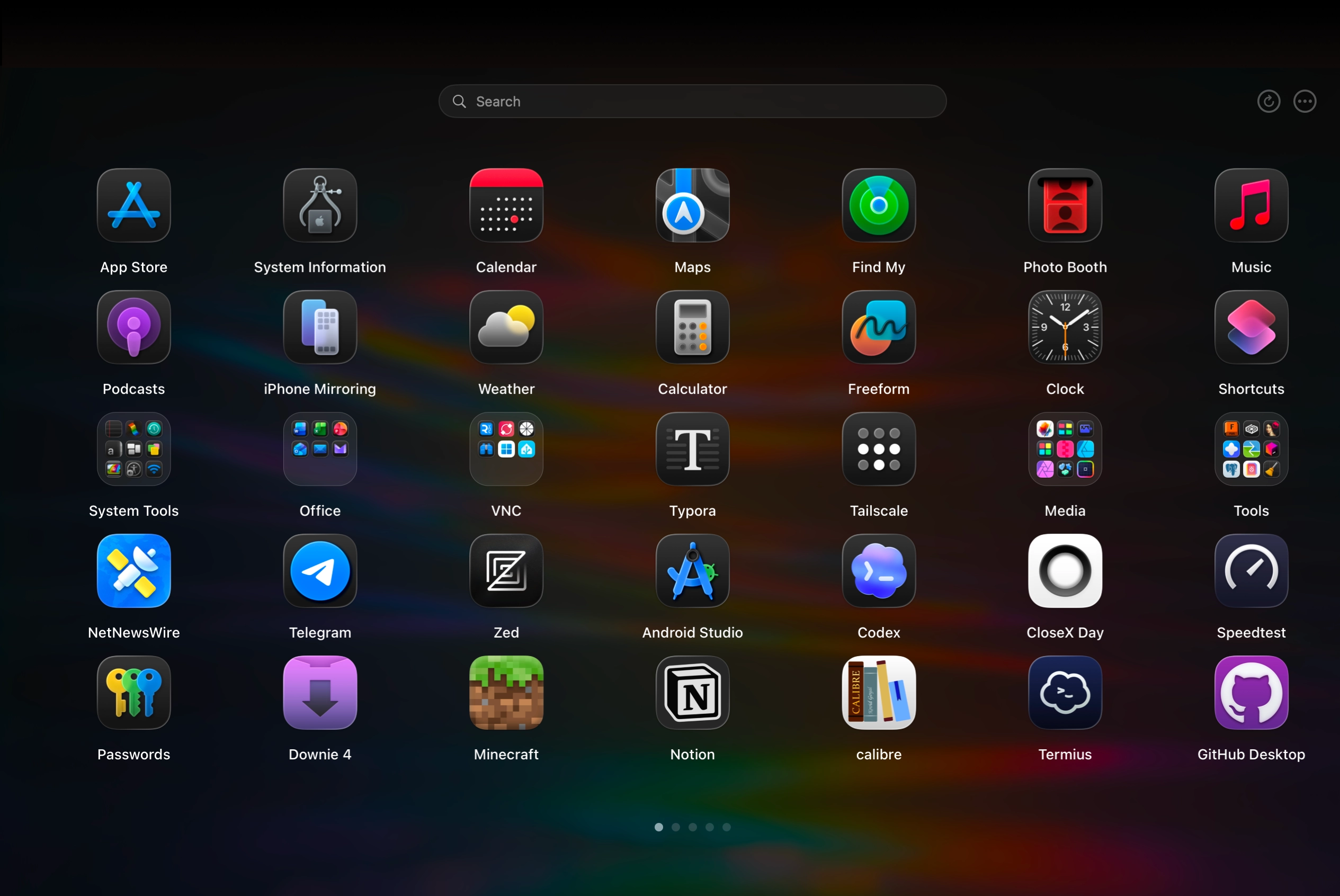
Built with
Built to drive real workflows
From quick app launches to deep keyboard navigation, LaunchNext handles every interaction with native macOS performance.Native macOS performance for every interaction.
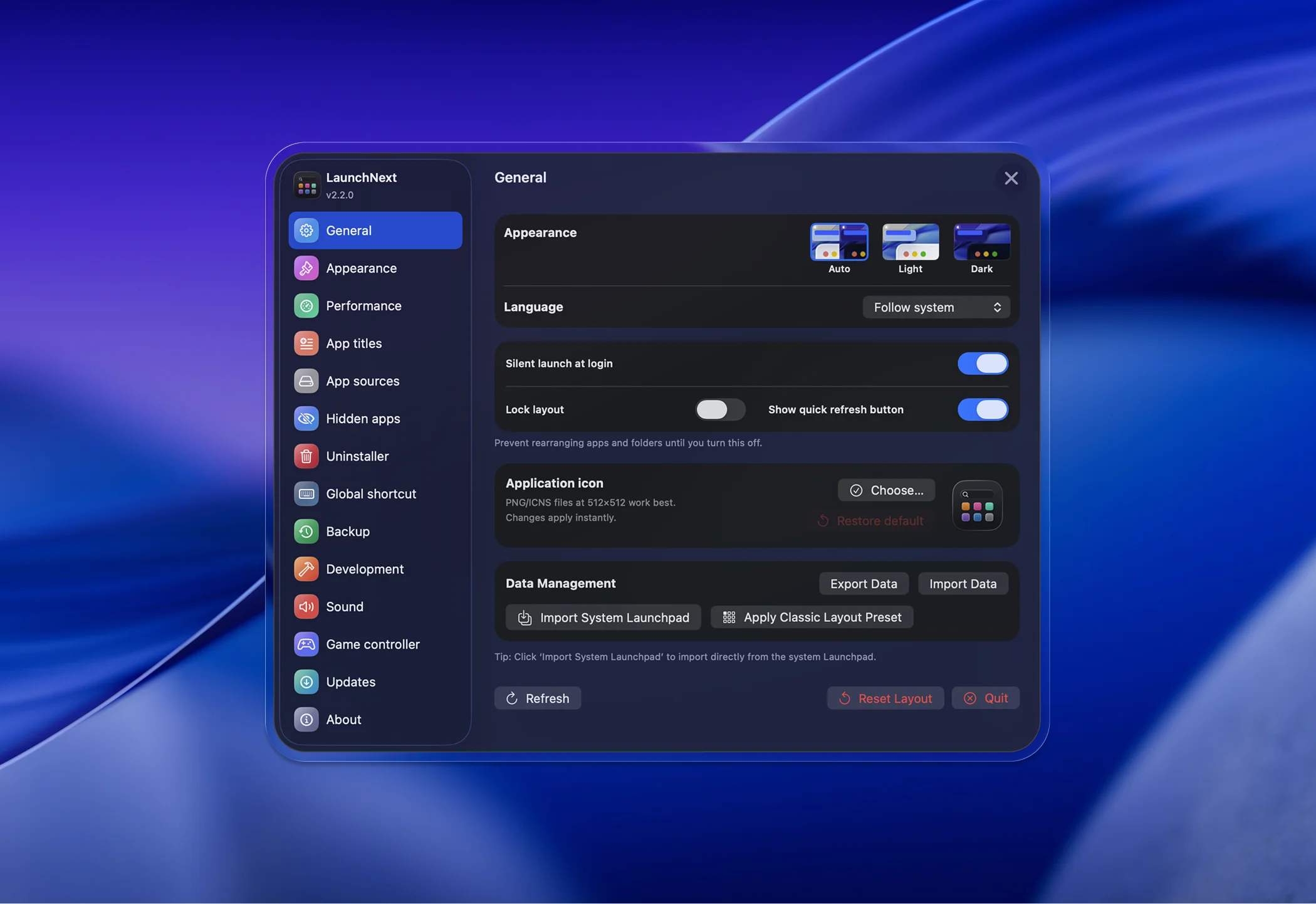
Everything at a glance
Theme, language, layout lock, custom icon, one-click Launchpad import — all from a single pane.
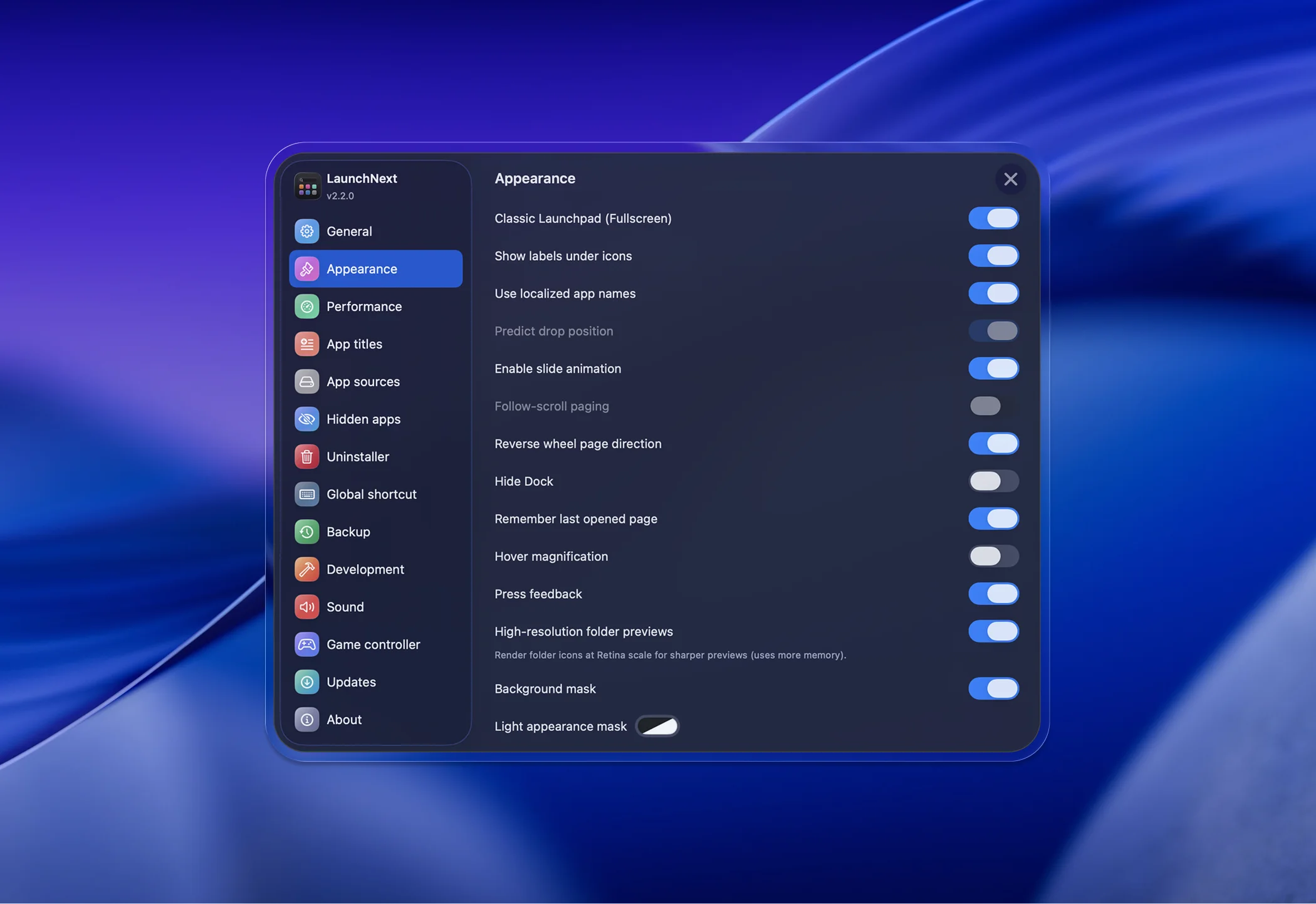
Fine-tune every visual detail
Toggle labels, animations, hover effects, scroll paging, background masks, and more.
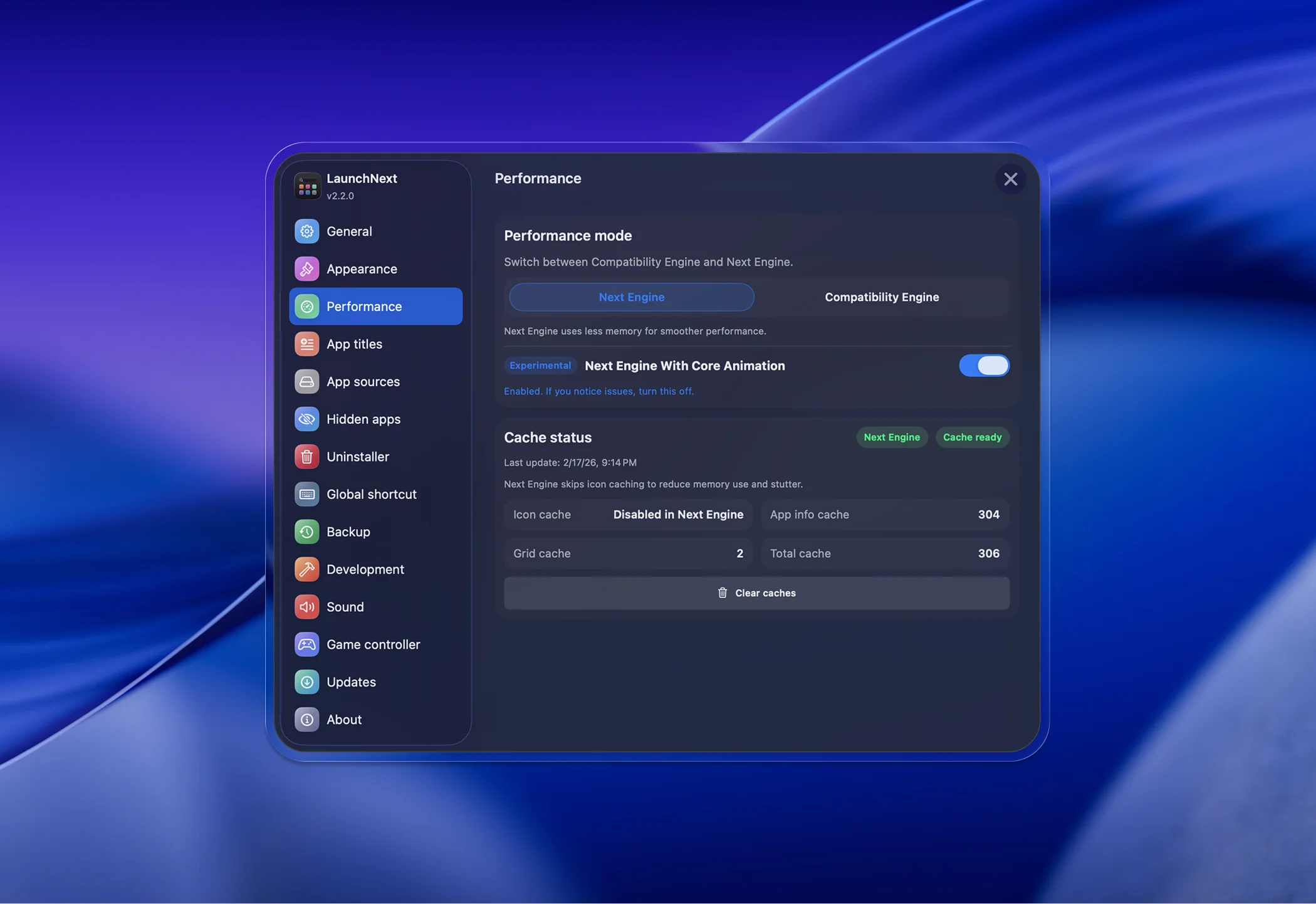
Next Engine with Core Animation
Switch between rendering engines, monitor cache status, and enjoy buttery-smooth 120 FPS.
Open source and transparent
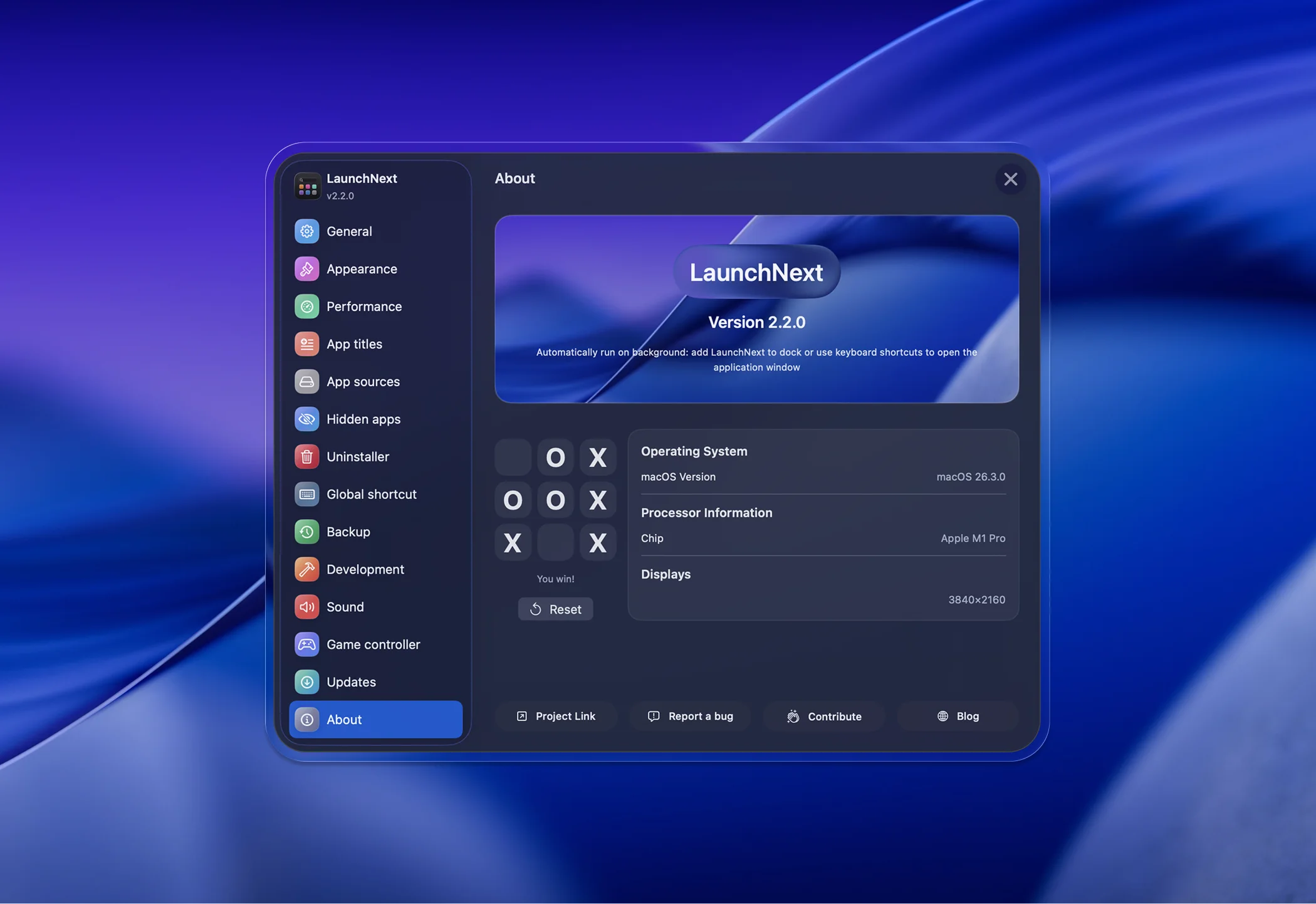
System info, project links, bug reporting — and a hidden easter egg waiting to be found.
Everything you need
A full-featured Launchpad replacement with native performance, deep customization, and more on the way.Native performance, deep customization, and more.
 ProMotion 120FPS Core Animation
 Customizable Grid Layout
 Built with SwiftUI & AppKit
 Global Hotkey Shortcut
 Native Gesture Support
 Hot Corner Support
 Hide Unwanted Apps
 Drag Apps to Dock
 Multi-Language Support
 Window Mode
 Game Controller Support
 One-Click Launchpad Import
 Appearance Customization
 Multi Drag
 Sound & Voice Feedback
 Quick Right-Click Menu
 Rich Customization
 App Uninstaller
 Custom App Renaming
 Custom App Sources
 VoiceOver Support
 Backup & Restore
 CLI Agent
FAQ
Common questions about LaunchNext.
Yes. LaunchNext is 100% free and open source, licensed under GPL-3.0. No subscriptions, no paywalls, no telemetry — ever.
Yes. LaunchNext can import your existing layout directly from the system Launchpad database with one click — your folders, app positions, and organization carry over automatically.
Quite a lot. You can resize icons, hide labels, create folders via drag and drop, switch between windowed and fullscreen modes, and use instant keyboard search. It also supports 12+ languages out of the box.
Ready to try LaunchNext?
Install, customize, and make it your own — it's free and open source.